

Top Tools to Improve On-Camera Delivery for Video Creators in 2026
From voice-paced teleprompters to AI editing and creator cameras, these are the best tools in 2026 to improve confidence, eye contact, and on-camera delivery.
Table of contents
- Introduction
- 1. Supascript — Voice-Paced Teleprompter for Natural Delivery
- 2. Descript — Script-Based Recording and AI Editing
- 3. AI Video Assistants — Visual Support for Spoken Content
- 4. Creator Cameras — Why Image Quality Still Matters
- 5. Hardware Teleprompters — When You Want a Studio Setup
- 6. DaVinci Resolve — Editing That Tightens Delivery
- 7. Script & Hook Tools — Delivery Starts Before You Record
- Practical Tips for Better On-Camera Delivery
- Conclusion
Introduction
Great on-camera delivery is rarely about confidence alone. Most creators struggle because they're juggling what to say, where to look, and how fast to speak — all at once.
In 2026, the best creator tools remove that friction. Instead of fighting scroll speed, editing mistakes, or awkward eye contact, you can focus entirely on performing.
Below are the most effective tools video creators use today to improve on-camera delivery — whether you're filming YouTube videos, courses, product demos, or short-form content.
1. Supascript — Voice-Paced Teleprompter for Natural Delivery
Supascript is a voice-paced teleprompter that scrolls your script at the speed you speak, not a fixed speed you have to guess. That one change solves the biggest teleprompter problem: robotic delivery. It works by listening to your voice and keeping the script synced in real time, so you stay on track even when you pause, rephrase, or add emphasis.
Instead of constantly adjusting scroll speed, Supascript listens to your voice and keeps your place automatically.
Why this improves delivery:
- You pause → the script pauses
- You speed up → the script follows
- You slow down → the script slows with you
This makes it far easier to maintain eye contact and sound conversational, especially during longer takes or multi‑part recordings.
Supascript also includes:
- Built-in video recording (portrait & landscape)
- Local, offline-first script storage
- Fast script editing and organization
- No account required to start recording
It's especially useful for talking-head videos, tutorials, short-form content, and course recordings where natural pacing matters more than perfect reading.
2. Descript — Script-Based Recording and AI Editing
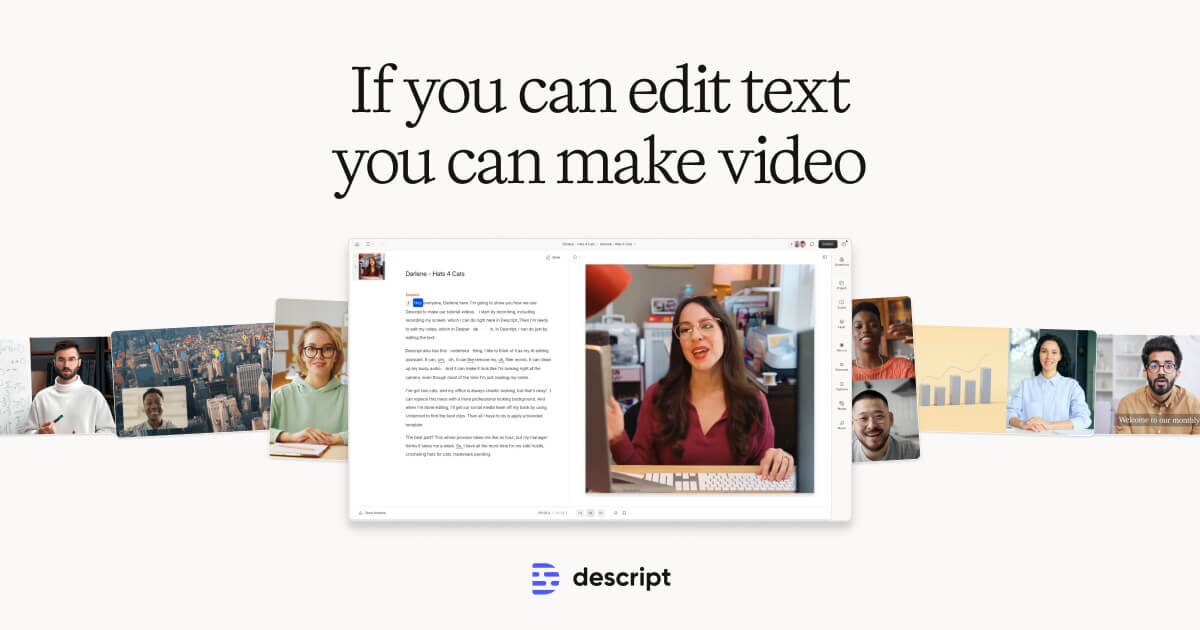
Descript is popular with creators who want a tight script-to-edit workflow. You record while reading a script, then edit the video by editing text. This makes it easy to remove mistakes, filler words, or awkward pauses without touching a traditional timeline.
Key delivery-focused features include:
- AI audio cleanup for clearer voice
- Filler-word removal
- Eye-contact correction for recorded footage
Descript is best used after recording to polish delivery rather than during performance itself.
3. AI Video Assistants — Visual Support for Spoken Content
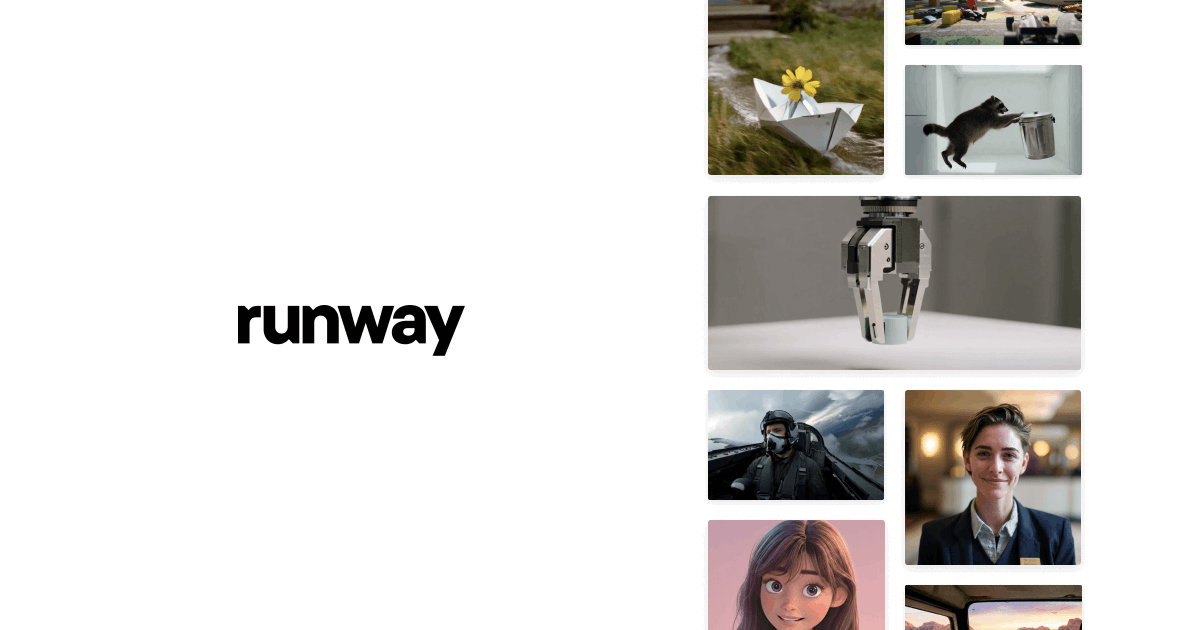
Runway has become the go-to AI video assistant for creators who want fast, high-quality visuals to support what they say on camera. It lets you generate b-roll, motion visuals, or background clips from text prompts in minutes. That means you can illustrate ideas without spending hours hunting for stock footage.
Runway is especially helpful when:
- Explaining abstract concepts
- Adding visual interest to talking-head videos
- Turning scripts into more dynamic presentations
Used carefully, AI visuals enhance delivery instead of distracting from it.
4. Creator Cameras — Why Image Quality Still Matters
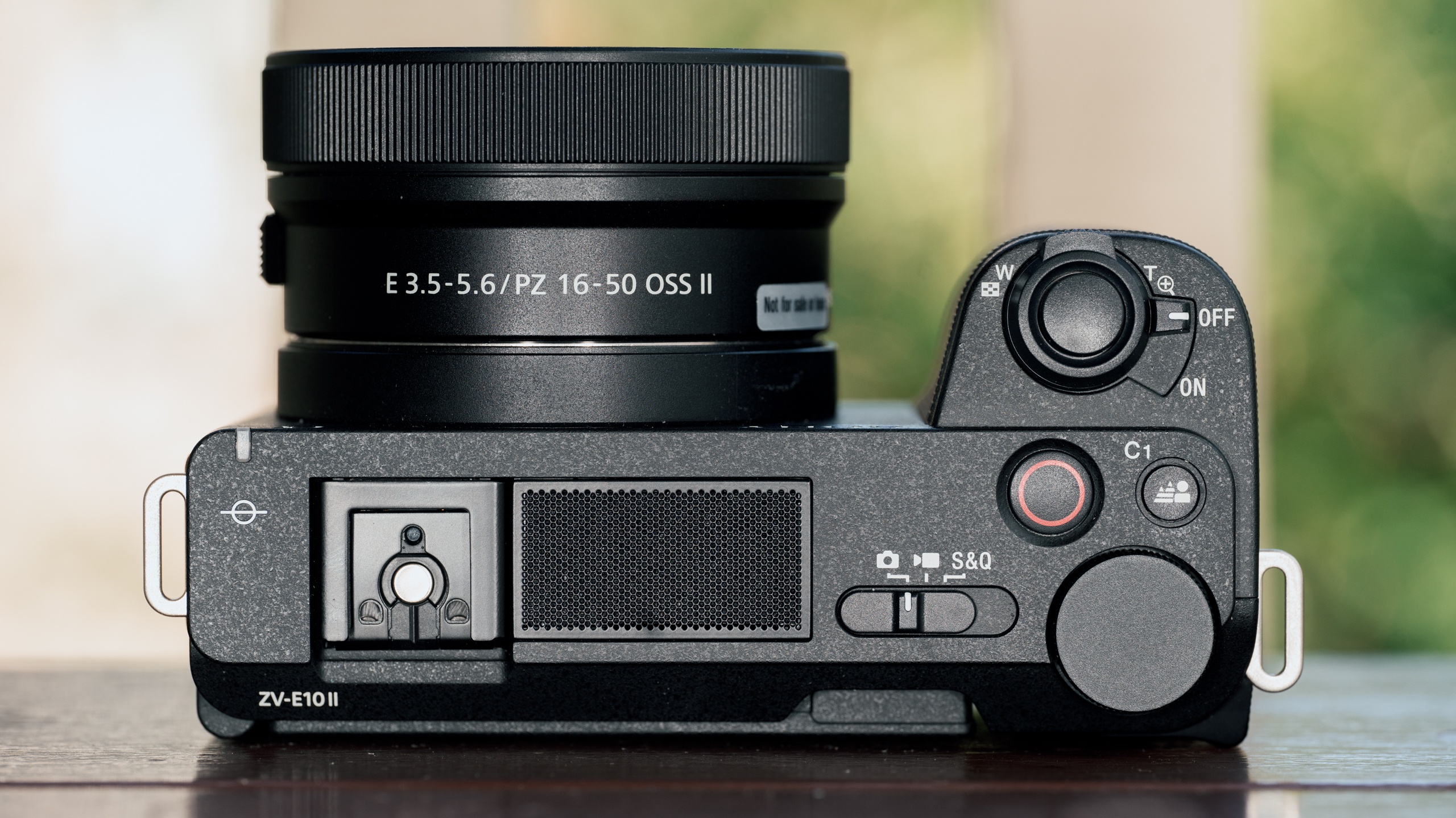
While phones are more capable than ever, dedicated creator cameras still improve perceived confidence and professionalism.
Modern creator-focused cameras offer:
- Reliable face and eye autofocus
- Clean 4K video
- Easy microphone integration
- Flip-out screens for self-recording
Popular pick: the Sony ZV-E10 is a go-to podcasting camera thanks to clean HDMI output, strong autofocus, and simple mic setup.
Better visuals won't fix poor delivery, but they do reinforce trust and keep viewers focused on what you're saying.
5. Hardware Teleprompters — When You Want a Studio Setup
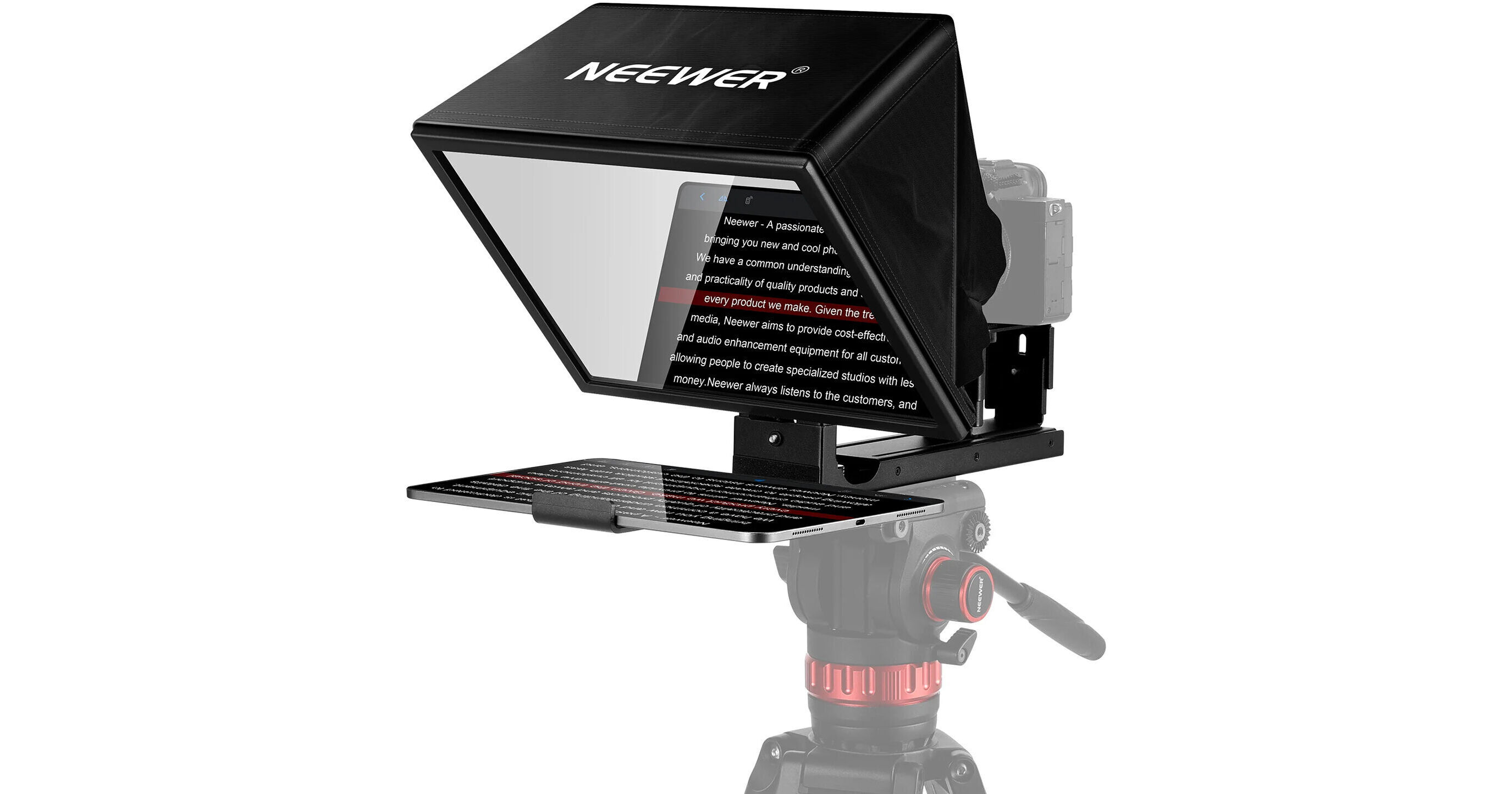
For creators using mirrorless cameras or webcams, a physical teleprompter can further improve eye contact. A popular, budget-friendly option is the NEEWER Basics X12B, which is a liftable, tablet-based teleprompter designed for studio-style setups.
Paired with a voice-paced teleprompter like Supascript, hardware setups help:
- Keep eyes centered on the lens
- Reduce head movement
- Maintain consistency across long takes
They're especially useful for interviews, presentations, and long-form recordings.
6. DaVinci Resolve — Editing That Tightens Delivery
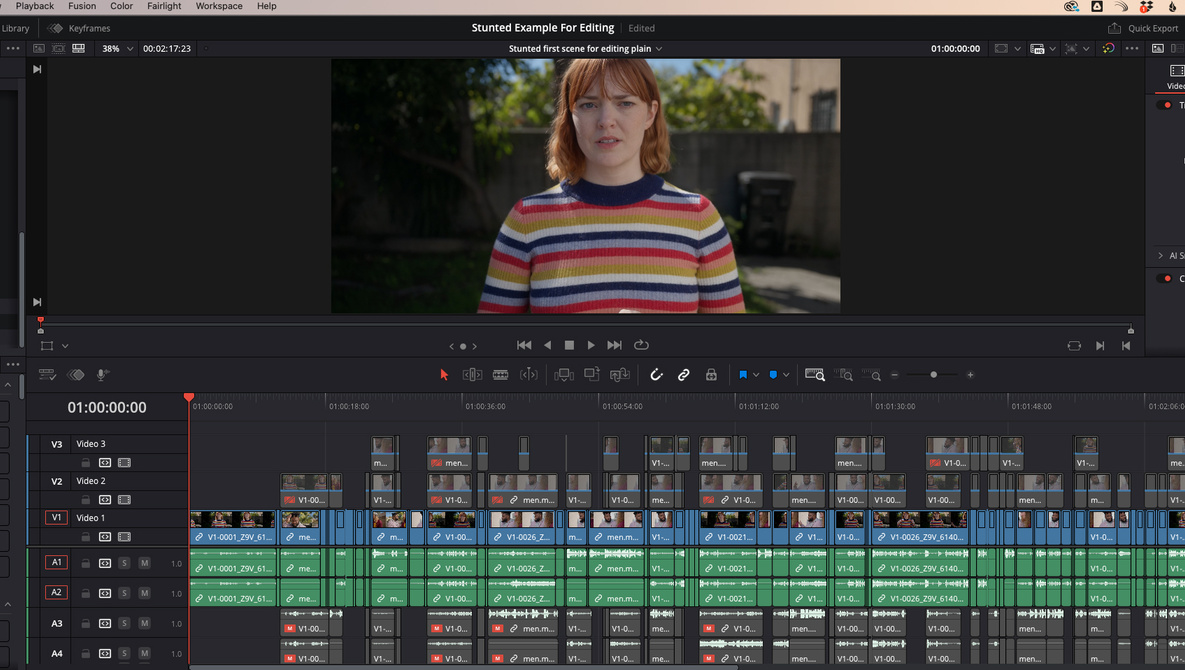
Editing is where good delivery becomes great. DaVinci Resolve remains one of the most powerful tools for tightening pacing, cleaning audio, and refining visuals in post-production.
Creators use it to:
- Remove verbal stumbles cleanly
- Adjust pacing between sections
- Balance audio levels and tone
- Add subtle visual polish without distraction
Good editing supports delivery by keeping the viewer engaged without noticing the edits.
7. Script & Hook Tools — Delivery Starts Before You Record
Strong delivery starts with a strong script. Modern writing tools help creators craft better hooks, clearer structure, and more conversational phrasing. That preparation directly impacts how natural you sound on camera.
Before recording:
- Write how you speak, not how you'd write
- Use shorter sentences
- Plan clear section breaks
- Know your opening line cold
When your script is conversational, voice-paced teleprompters work dramatically better.
Practical Tips for Better On-Camera Delivery
Practice with real conditions
Rehearse using the same setup you'll record with. Your pacing and tone adapt quickly.
Prioritize audio clarity
Viewers forgive imperfect video faster than unclear audio.
Review retention data
Drop-offs often align with rushed or unclear delivery sections.
Let tools disappear
The best tools fade into the background so your performance leads.
Conclusion
Improving on-camera delivery isn't about reading perfectly or sounding "professional." It's about removing friction so your natural voice comes through.
In 2026, tools like voice-paced teleprompters, AI editing, and better creator hardware make that easier than ever.
Start simple: speak naturally, let the tools adapt to you, and focus on connecting with the viewer. When the technology disappears, your delivery finally shines.